Device compatibility
IPTV for Smart TV, Firestick and more
Your subscription works on the screens you already have at home. Here is what is supported and how to get set up on each.
Supported devices
| Device | Recommended minimum | Set-up |
|---|---|---|
| Amazon Fire TV Stick, Fire TV Cube | Fire OS 6 or later | Fire TV Stick guide |
| Samsung Smart TV | Tizen, 2018 models onwards | Smart TV guide |
| LG Smart TV | webOS 4.0 or later | Smart TV guide |
| Android TV and Google TV (Sony, Philips, Chromecast with Google TV, boxes) | Android 9 or later | Android TV guide |
| Android phones and tablets | Android 9 or later | Android guide |
| iPhone and iPad | iOS / iPadOS 15 or later | Apple guide |
| Apple TV | tvOS 15 or later | Apple guide |
| Windows PC and Mac | Current browser or desktop player | Ask us |
Version numbers are a guide: newer software generally means smoother playback. If your device is not listed, ask us – there is usually a way.
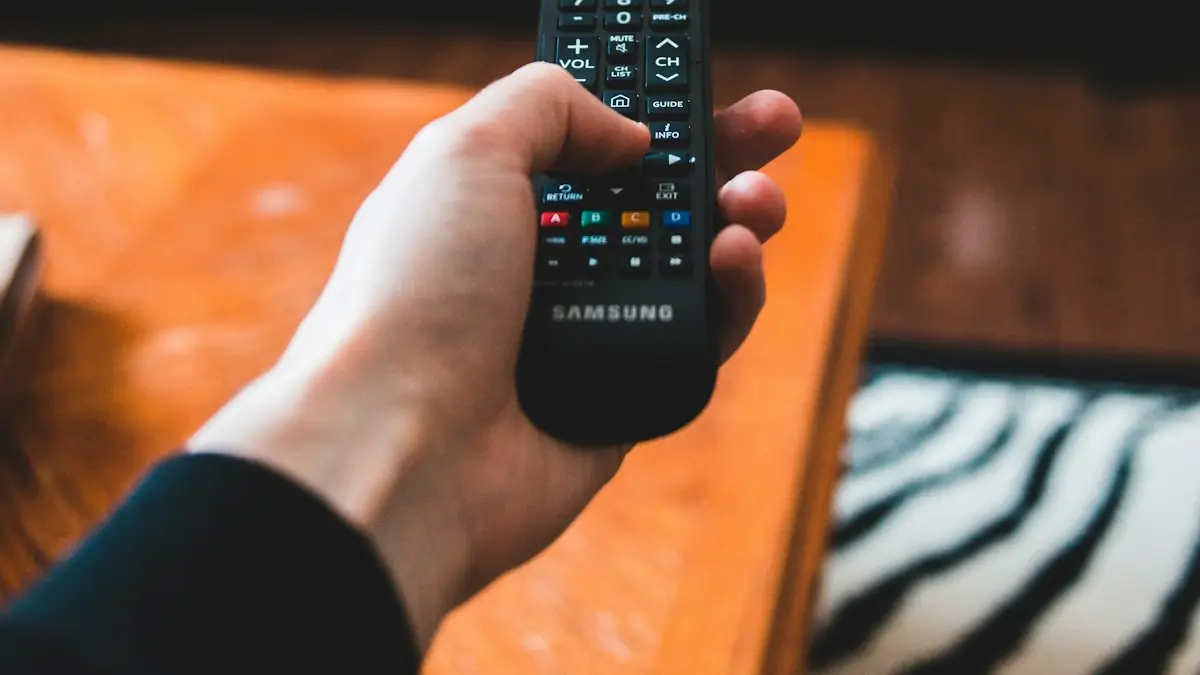
Which device is best for IPTV?
For most homes a current 4K Fire TV Stick offers the best balance of price and performance, while a recent Samsung or LG Smart TV needs no extra hardware at all. We compare the options in detail in the best streaming devices for IPTV in the UK.
What else you need
- Broadband: about 5–8 Mbps per HD stream and 25 Mbps for 4K. See broadband speed for IPTV.
- A subscription: choose yours on the IPTV subscription page.
- A TV Licence if you watch live television, as with any UK service.
Ready to start watching?
Choose your duration, send your order on WhatsApp and we will take it from there.